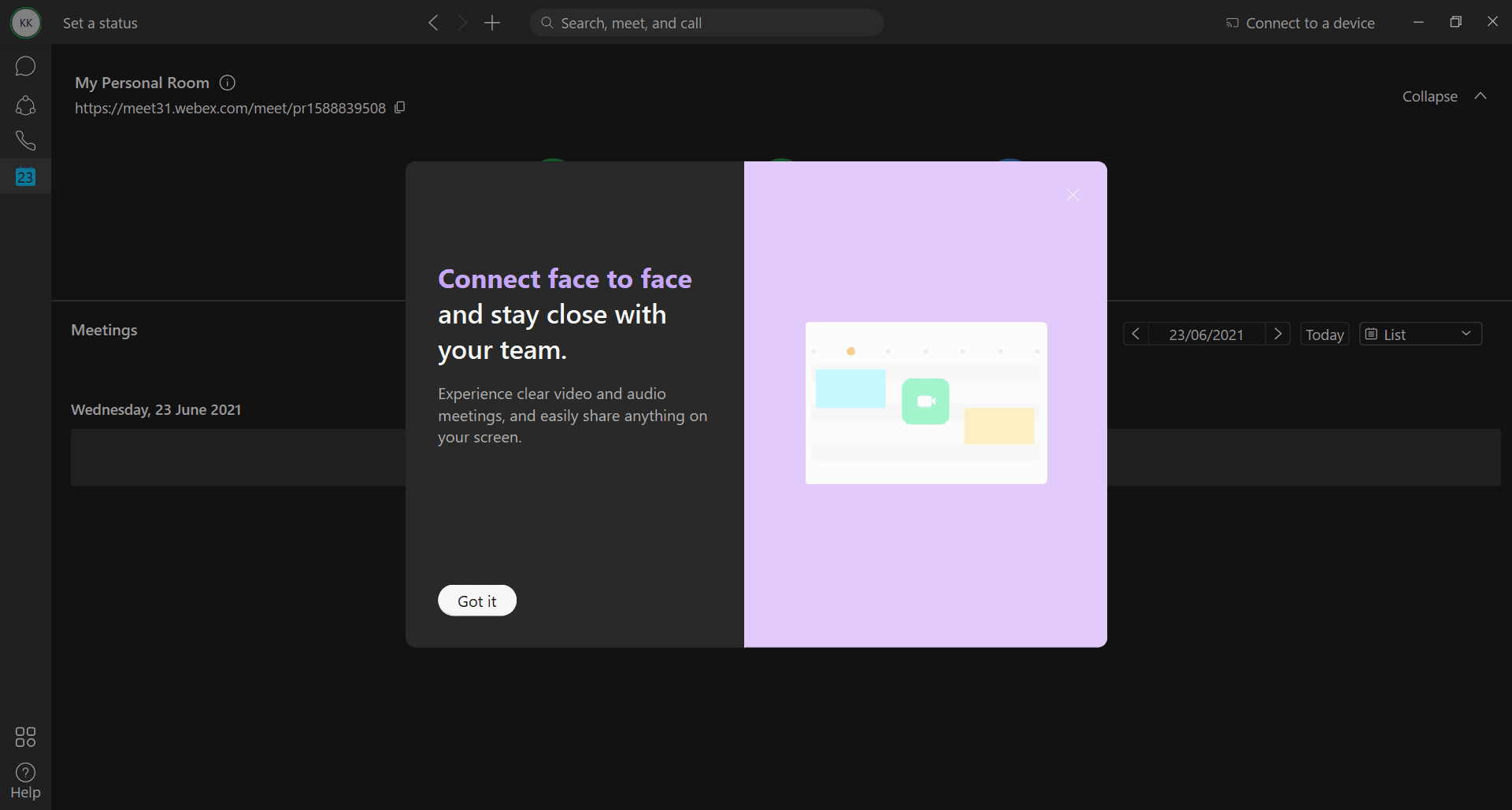
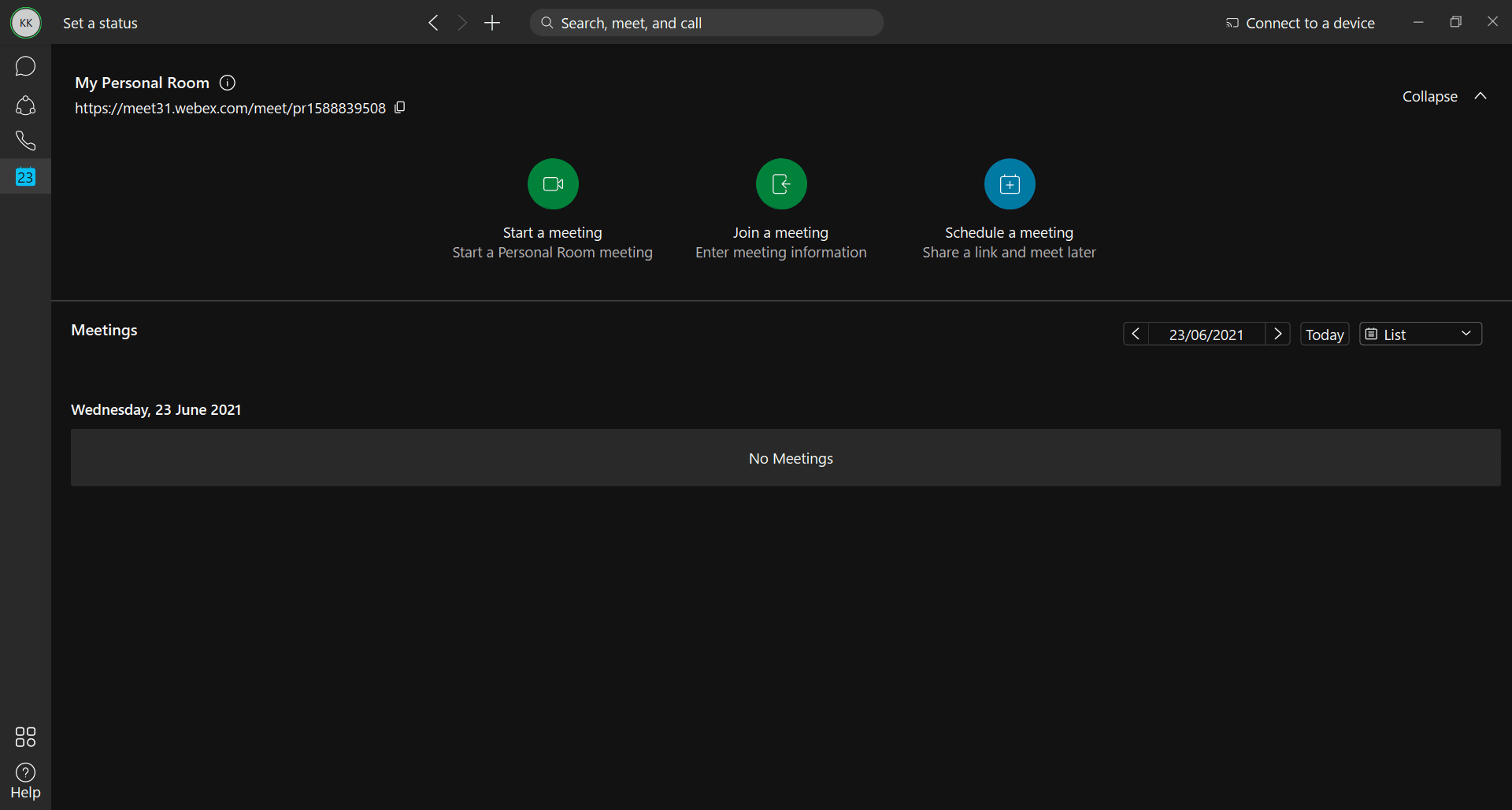
Webex by Cisco is an all-in-one collaboration program for Windows that helps you connect with whomever you want, wherever you are. Today, Webex is one of the most useful applications available because you can use it for meetings, group chats, video calls, and much more.
Fast setup and intuitive design
Since the pandemic began, the popularity of Webex took off because of the immediate need for an application that could handle both professional and personal communication. It features an incredibly simple interface that is easy to navigate.
Unlike other applications that provide similar features, signing up is quick and simple. You can use any email address tied to any organization to register and connect with the people you want in almost no time. In general, it takes about two minutes to get started.Reliable calls on any connection
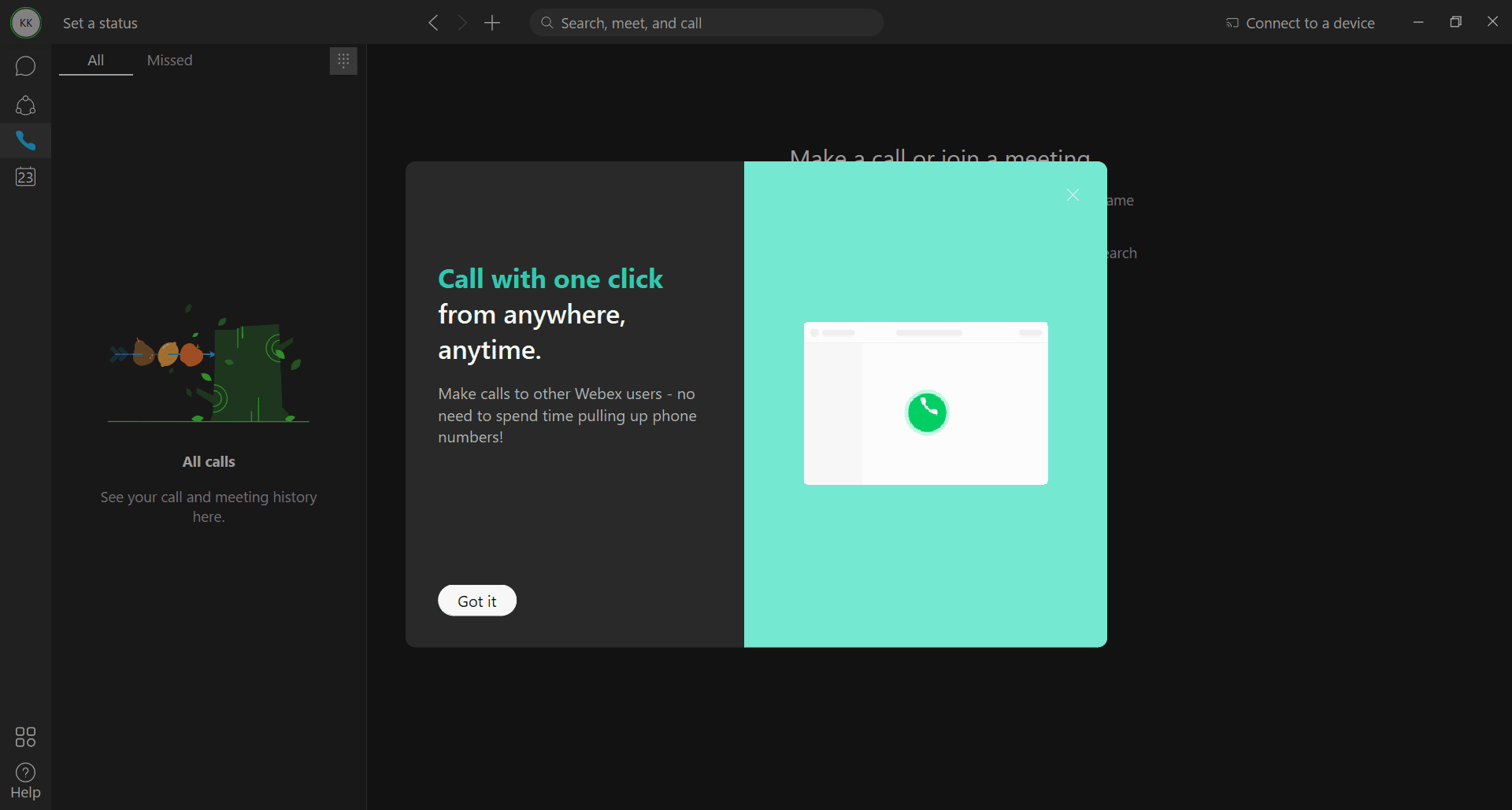
Coming to the main functionality, if you want clear calls on an average internet connection for your team, Webex might be the application for you. Even on a poor connection, the calls remain stable. If you have a good connection, the calls are crisp and clear without any lag or dropped frames.Organize communication with Spaces and Teams
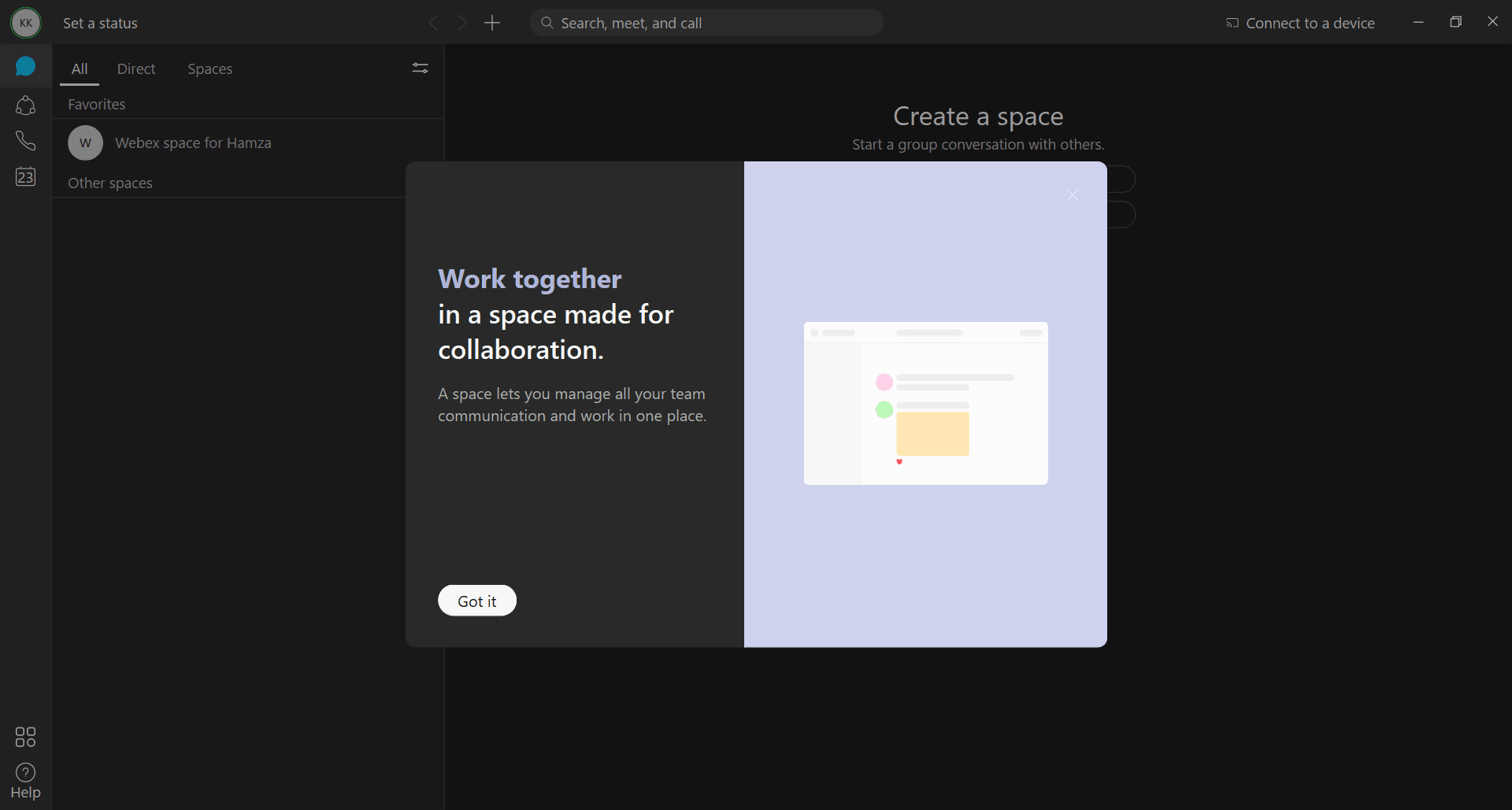
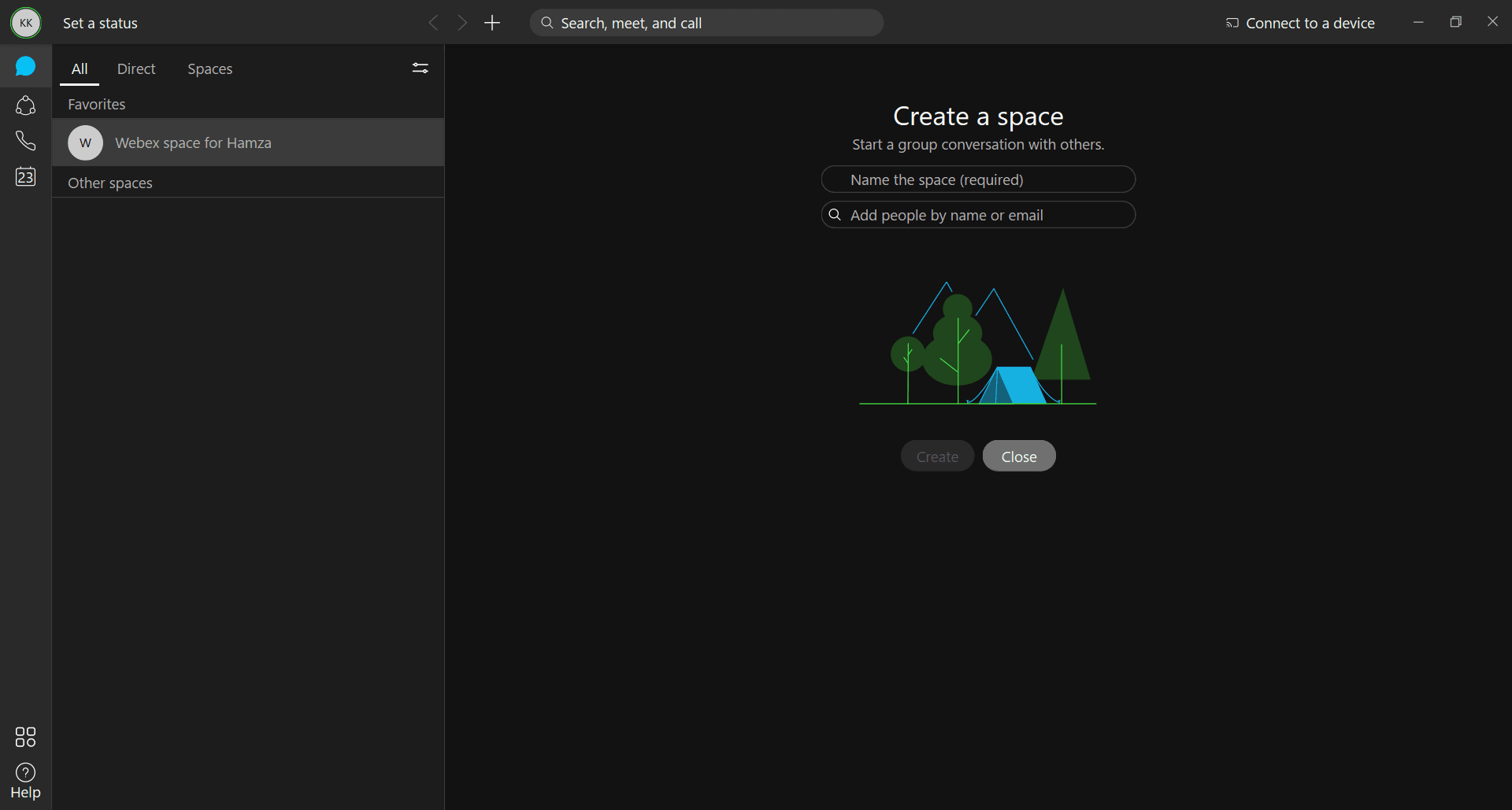
There is a feature called Spaces that lets you create a new discussion area or join an existing one. If you have already added people to your Webex account, you can add them directly to your Space. Alternatively, you can invite them via email.
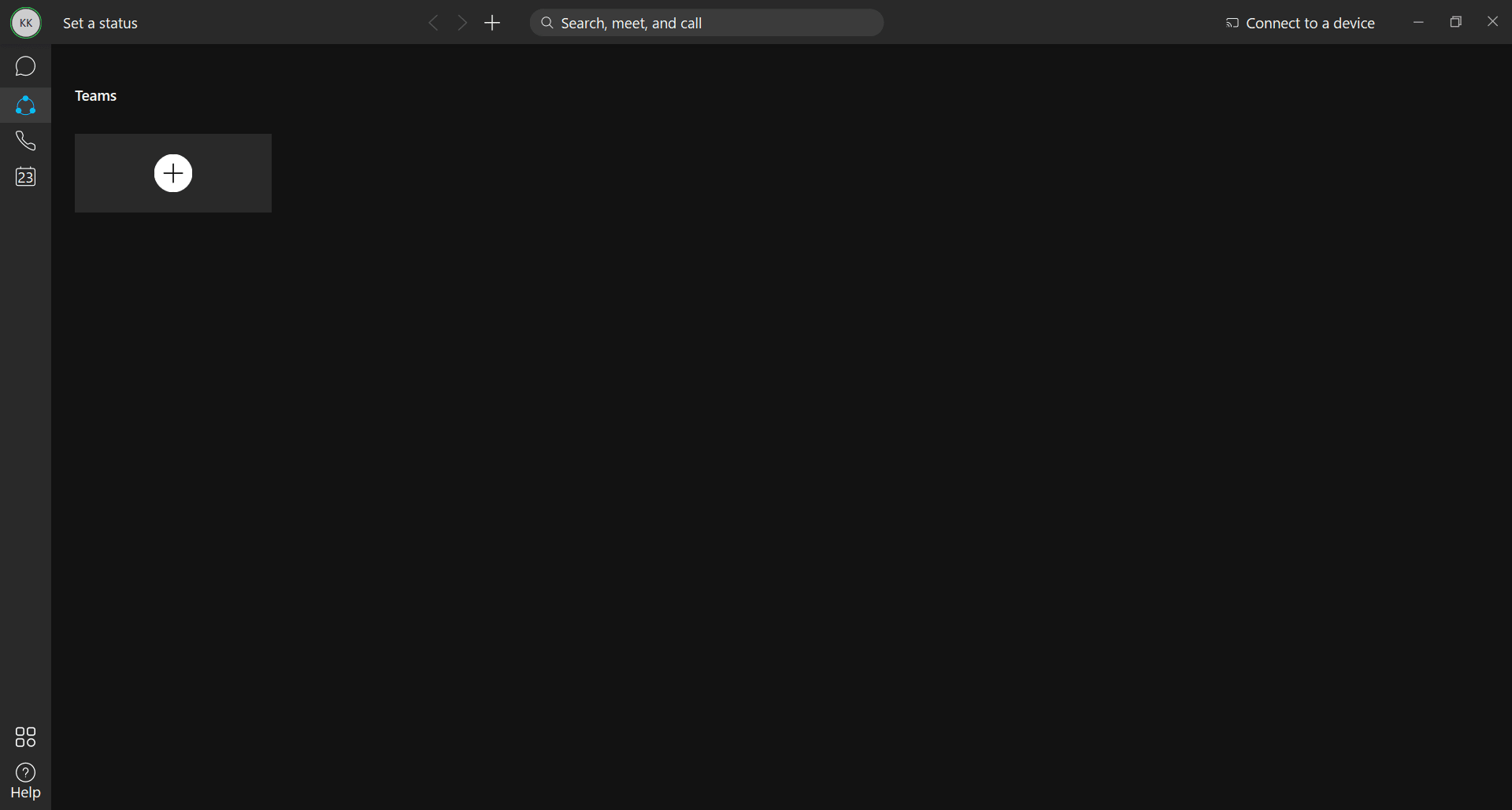
Besides Spaces, you can also create Teams. These are groups within your work or personal circles. You can use them to socialize or jump straight into a project, depending on whether it is a professional or a personal team. Most of the time, the Teams feature is used by business users to connect with colleagues and synchronize their daily workflows.Backed by proven networking technology
Since Cisco is known worldwide for its top-of-the-line networking equipment, it is no surprise that the Webex application meets those same high standards. You can use audio or video calling alongside the usual chat features. With the help of the Cisco Webex application, remote meetings and calls are now easier, clearer, and much less data-consuming.